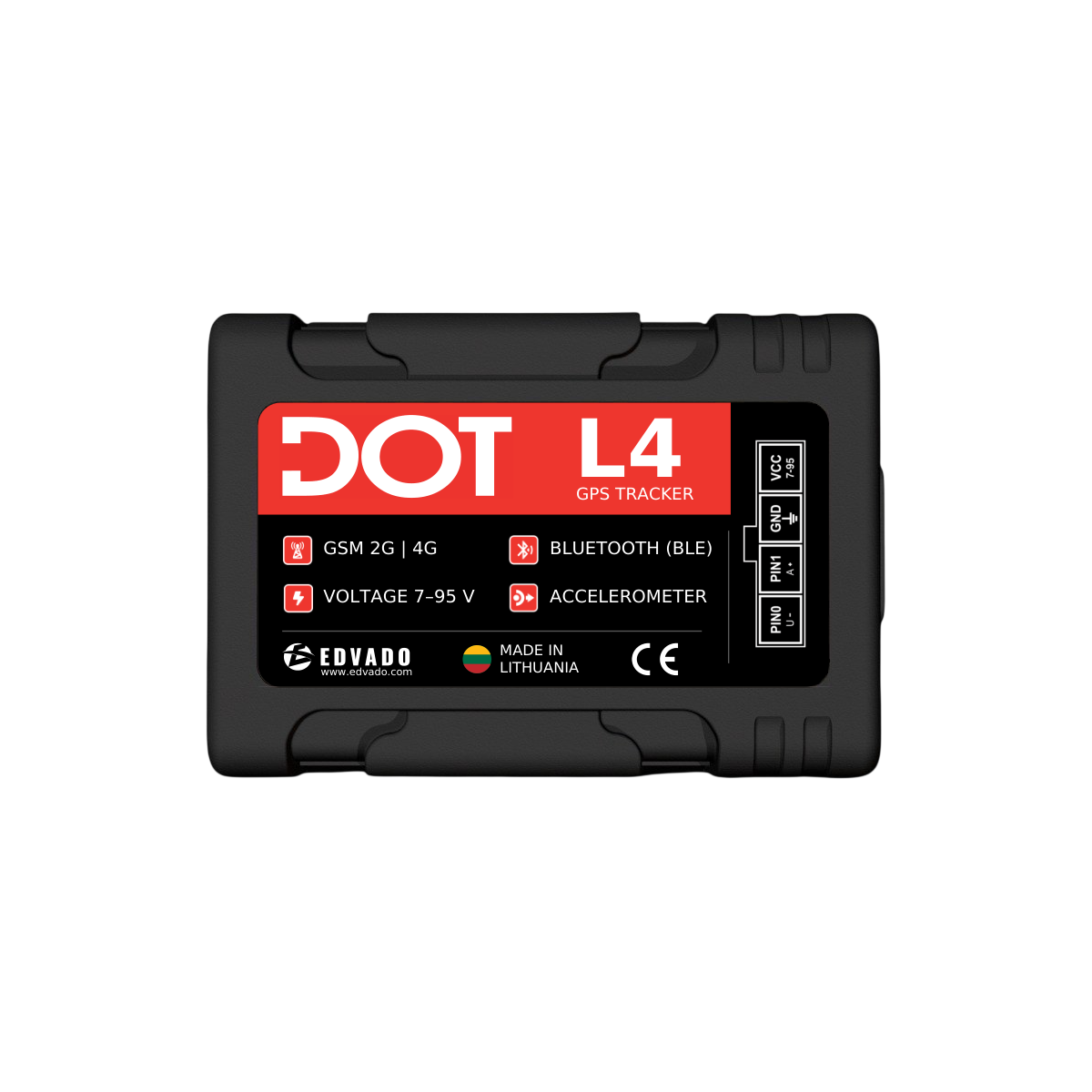
Two CAN interfaces
CAN1 and CAN2 connect directly to the vehicle CAN buses. Select the correct program and vehicle-specific wiring diagram.



EDVADO HARDWARE
CAN data reader · Bluetooth LE / RS485 / USB-C
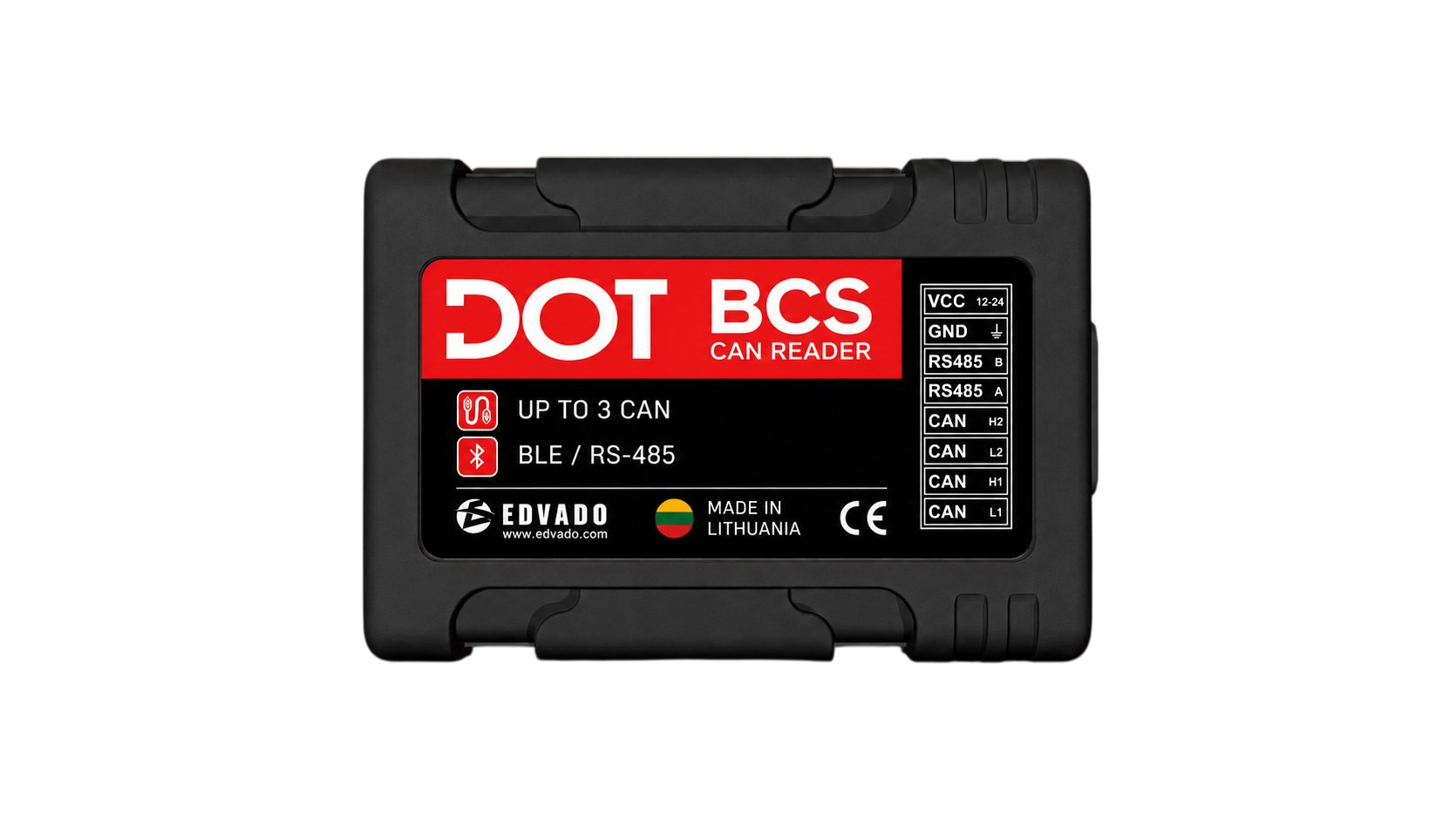
DOT BCS reads and processes vehicle or machinery CAN data and transmits it to a tracker. Available parameters depend on the vehicle, the selected CAN decoding program and the installed firmware. J1939 support does not imply compatibility with every vehicle.
CAN1 and CAN2 connect directly to the vehicle CAN buses. Select the correct program and vehicle-specific wiring diagram.
RS485 uses DTA-CAN; BLE advertising carries selected CAN parameters. USB-C supports data, diagnostics, configuration and firmware updates.
61 × 42 × 15 mm, 24 g and IP54 protection. Observe the supply and installation limits in the manual.
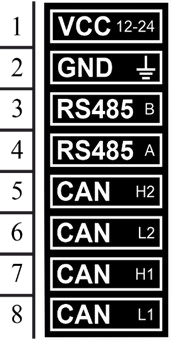
| Pin | Designation | Function |
|---|---|---|
| 1 | VCC | Power supply positive |
| 2 | GND | Power supply negative |
| 3 | B / H3 | RS485 B to tracker / CAN3 H to vehicle* |
| 4 | A / L3 | RS485 A to tracker / CAN3 L to vehicle* |
| 5 | H2 | CAN2 H to vehicle |
| 6 | L2 | CAN2 L to vehicle |
| 7 | H1 | CAN1 H to vehicle |
| 8 | L1 | CAN1 L to vehicle |
* CAN3 shares pins 3–4 with RS485. These functions cannot be used simultaneously; CAN3 needs specialised firmware. Connector appearance is reproduced from page 4 of the manual.
Connect RS485 A to A and B to B. Connect each CAN H/L pair according to the diagram for the specific vehicle. Request the diagram from support@edvado.com, stating the vehicle model and module version.
Connect USB-C to CAN Configurator, open the COM port and read the current settings. Choose a supported vehicle program and save. Change the program only with CAN disconnected or ignition off; reconnect the COM port after restart.
POWER: green — external power connected. IGNITION: blue — one flash per second in normal operation; three flashes indicate ignition on.
BLE data transmission is different from configuring the module via Bluetooth. Bluetooth configuration requires specialised firmware. Enable BLE and select up to four required dynamic CAN parameters for the universal integration below. Data is transmitted only when supported by the selected CAN program and present on the vehicle bus.
Manufacturer data holds up to five CAN parameters: the first is fixed, code 51 (can_sequrity_state, security flags), followed by four dynamic parameters. If more than five parameters are selected, dynamic parameters rotate; the default interval is 10 seconds.
On a DOT tracker that supports universal BLE sensor integration, enter the reader MAC address as 12 hexadecimal characters without separators and use this complete extraction string:
FF#T220:[B11,B12,B13,B14];FF#T221:[B16,B17,B18,B19];FF#T222:[B21,B22,B23,B24];FF#T223:[B26,B27,B28,B29]T220 → VAL_10; T221 → VAL_11; T222 → VAL_12; T223 → VAL_13. The string extracts the four dynamic values in packet order, not parameter codes. Units and scaling are parameter-specific: fuel value 982 in the example means 98.2 L; do not apply 0.1 to all values.
Packet: Manufacturer data type 0xFF; prefix 16 0F, sensor type BC, reserved 00, then up to five 5-byte blocks (1-byte code + 4-byte value, little-endian in the example). See pages 11–12 for the full structure.
Obtain firmware matched to the module version from EDVADO support. Place it beside CAN Configurator, select Update firmware and wait for the automatic restart. CAN3 and Bluetooth configuration are special-firmware functions. Screenshots and example program numbers are not recommended settings for your vehicle. Do not assume compatibility with any tracker solely because it has BLE or RS485.
Choose a DOT tracker with confirmed DTA-CAN reception over RS485 or universal BLE sensor integration. Match the tracker firmware, reader firmware, CAN program and selected parameters with EDVADO support before ordering or connecting. The presence of an interface alone is not proof of compatibility.
Contact EDVADO supportContact the right team
A. Vivulskio g. 7, Vilnius 03220, Lithuania
The address remains available without loading Google. Enable Maps only if you agree to send connection data to Google.
Vilnius officeA. Vivulskio g. 7, Vilnius 03220, Lithuania