One device, two networks
2G and 4G connectivity with simultaneous data transmission to two servers.



EDVADO HARDWARE
Compact 2G/4G navigation controller for vehicles and assets, with Bluetooth 4.0 LE and built-in antennas.
Built for monitoring
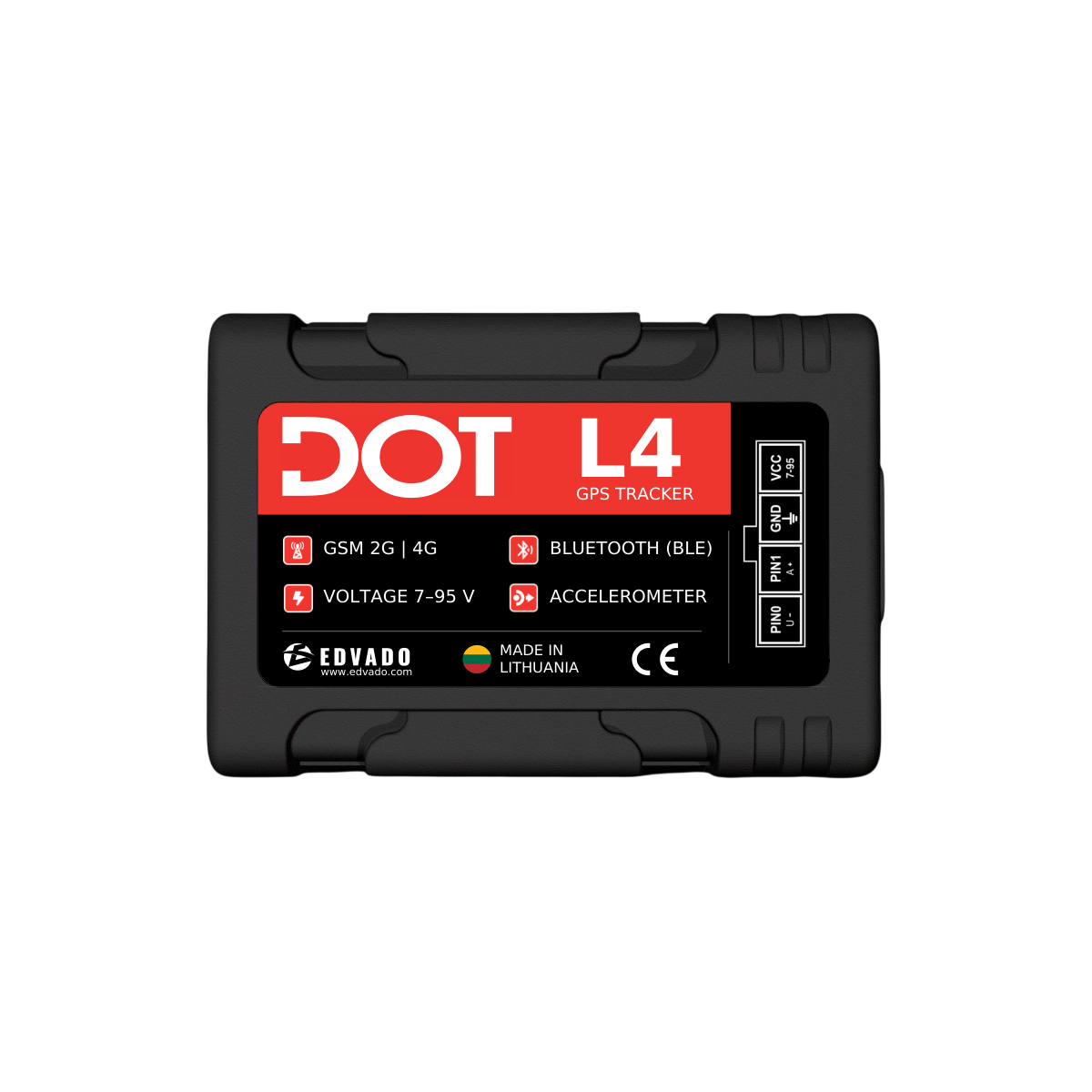
DOT L4 combines positioning, cellular communication and sensor data in a compact navigation controller.
2G and 4G connectivity with simultaneous data transmission to two servers.
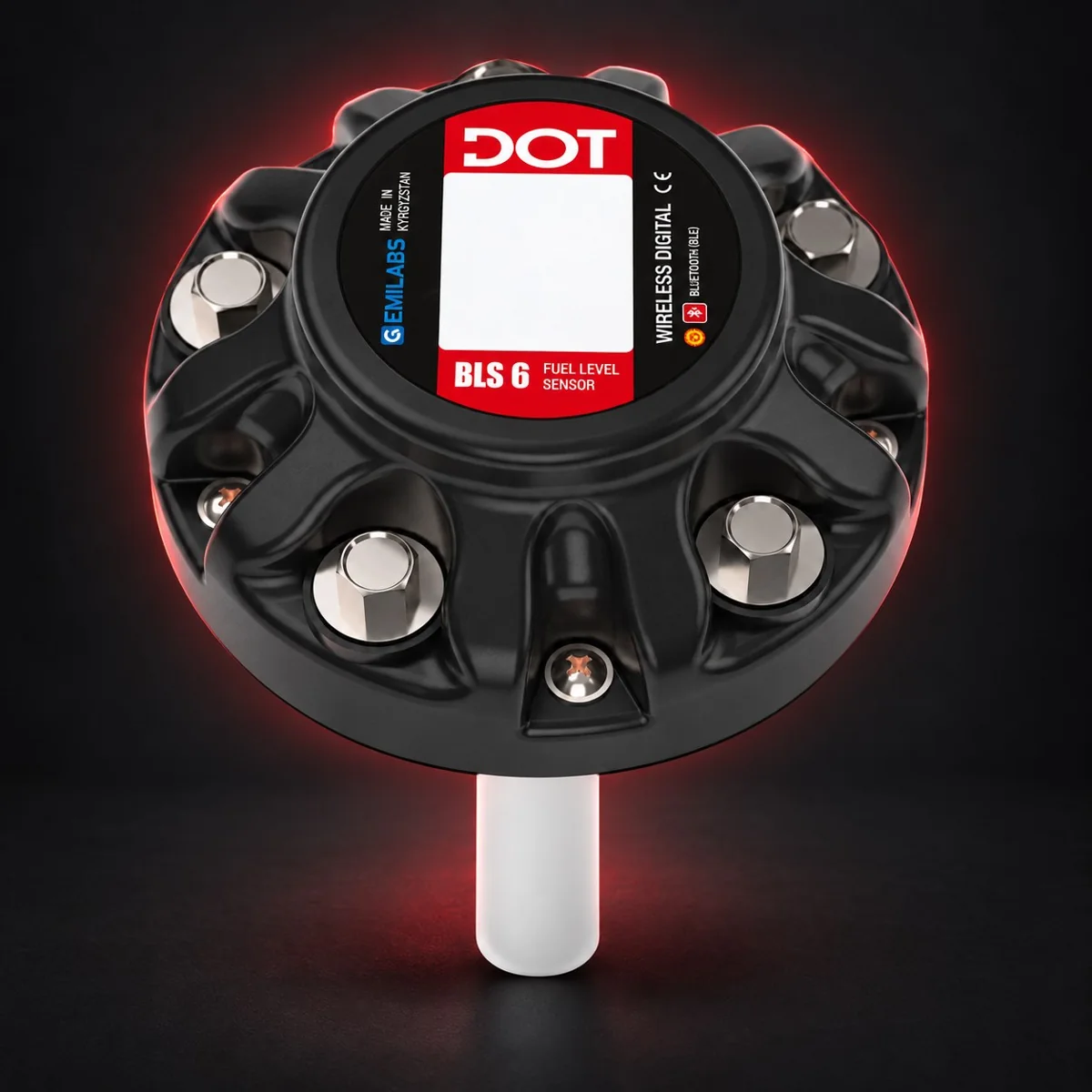
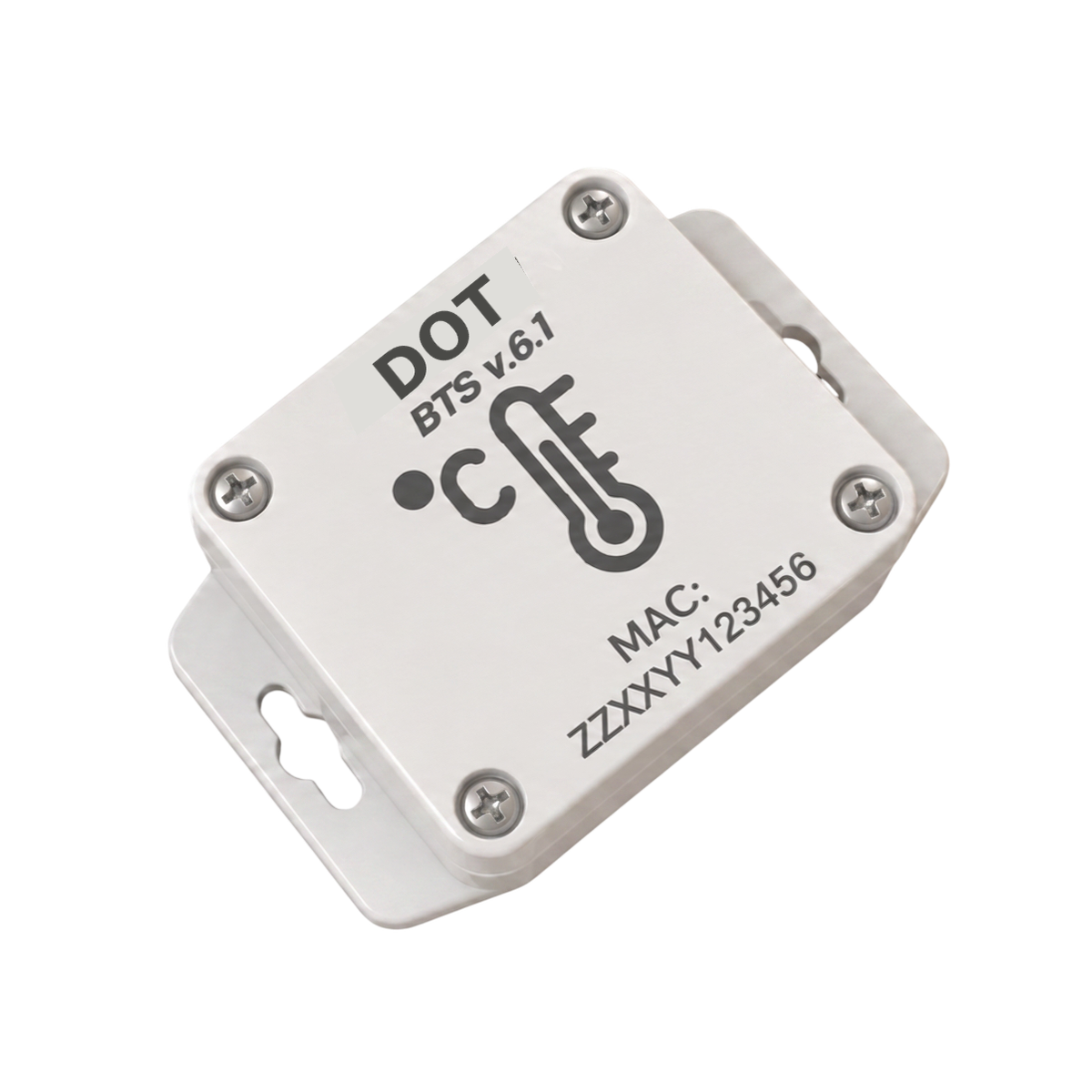
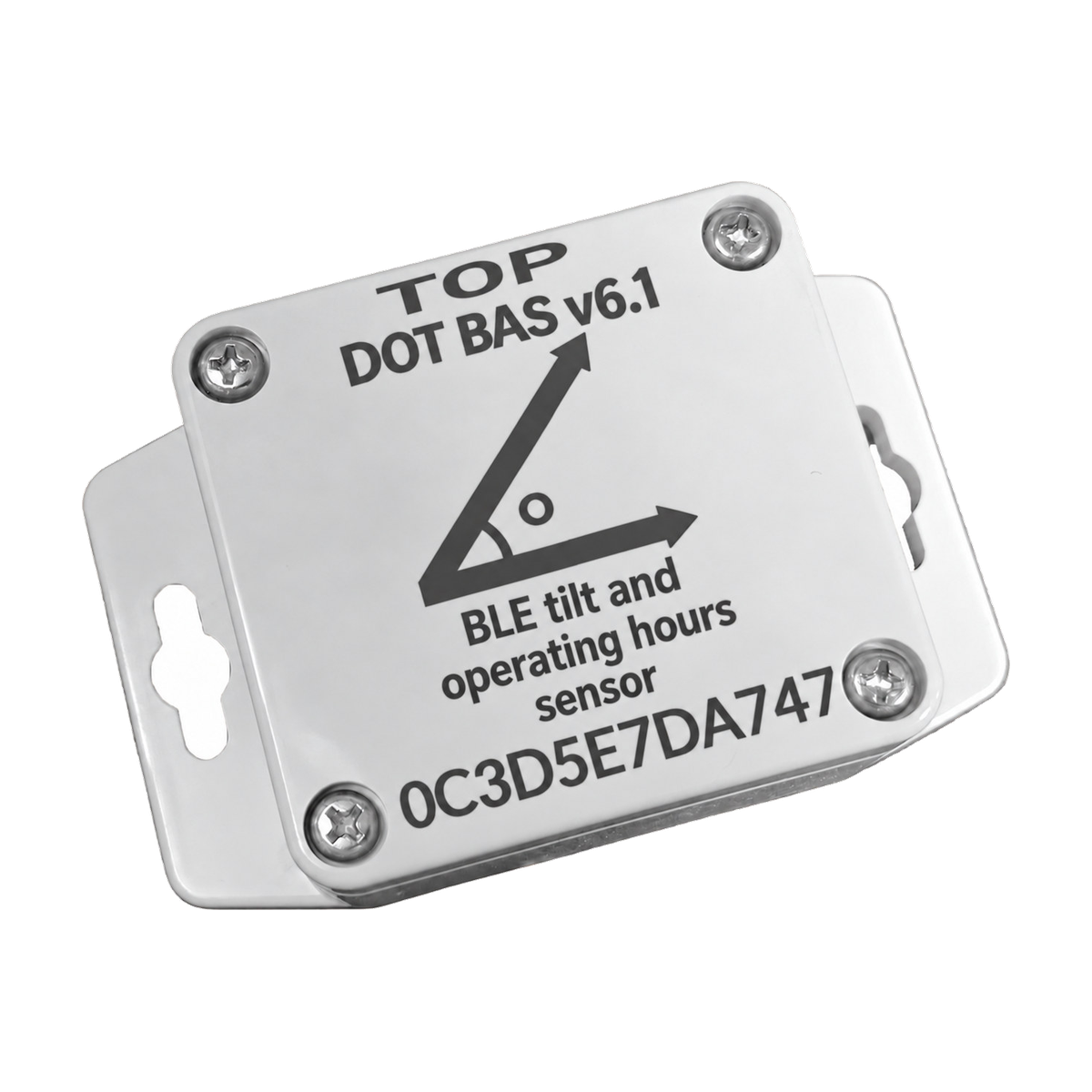
Bluetooth 4.0 LE supports up to eight wireless sensors, including fuel-level and temperature sensors.
Built-in GNSS and cellular antennas, a nanoSIM slot and USB Type-C for diagnostics and configuration.
The backup battery supports operation when external power is disconnected; the device reports the switch to backup power.
Capabilities
Connect digital, analogue and pulse/frequency sensors. A built-in accelerometer detects motion. The universal BLE integration function supports additional compatible sensors without waiting for a dedicated integration.
Satellite positioning via GPS, GLONASS, BeiDou, Galileo and QZSS; additional LBS and wireless location-tag methods.
INTERNAL and EGTS protocols with or without authentication are documented. Configuration is available through the Web Configurator, PC Configurator via USB, and SMS commands.
Specifications are based on the available manufacturer manuals. Features not described in those documents are not confirmed.
Not specified: absent from sources. Not confirmed: catalog claim without a technical document. Not supported: explicitly excluded by the manufacturer.
Technical passport
Values below are taken from the DOT L4 technical passport and user manual.
DOT L4
Start with the verified documents for this device. The original PDFs are in English.
Configure the device through the Web Configurator, USB PC Configurator or SMS commands. Follow the full safety and wiring guidance in the manual.
Download User Manual (PDF) →The technical passport contains the specification table, package contents and warranty information. The manual covers connector pinout, interfaces, indicators, configuration and platform integration.
Download Technical Passport (PDF) →View specifications →Contact the right team
A. Vivulskio g. 7, Vilnius 03220, Lithuania
The address remains available without loading Google. Enable Maps only if you agree to send connection data to Google.
Vilnius officeA. Vivulskio g. 7, Vilnius 03220, Lithuania